
Social Media Image Sizes & Best Practices: Complete 2025 Guide
In today's digital landscape, visual content reigns supreme on social media. With over 4.9 billion social media users worldwide, standing out requires not just compelling imagery but also technically optimized visuals that display perfectly across all platforms and devices.
This comprehensive guide will walk you through the essential social media image sizes for 2025, platform-specific best practices, and expert tips to ensure your content always looks its best.
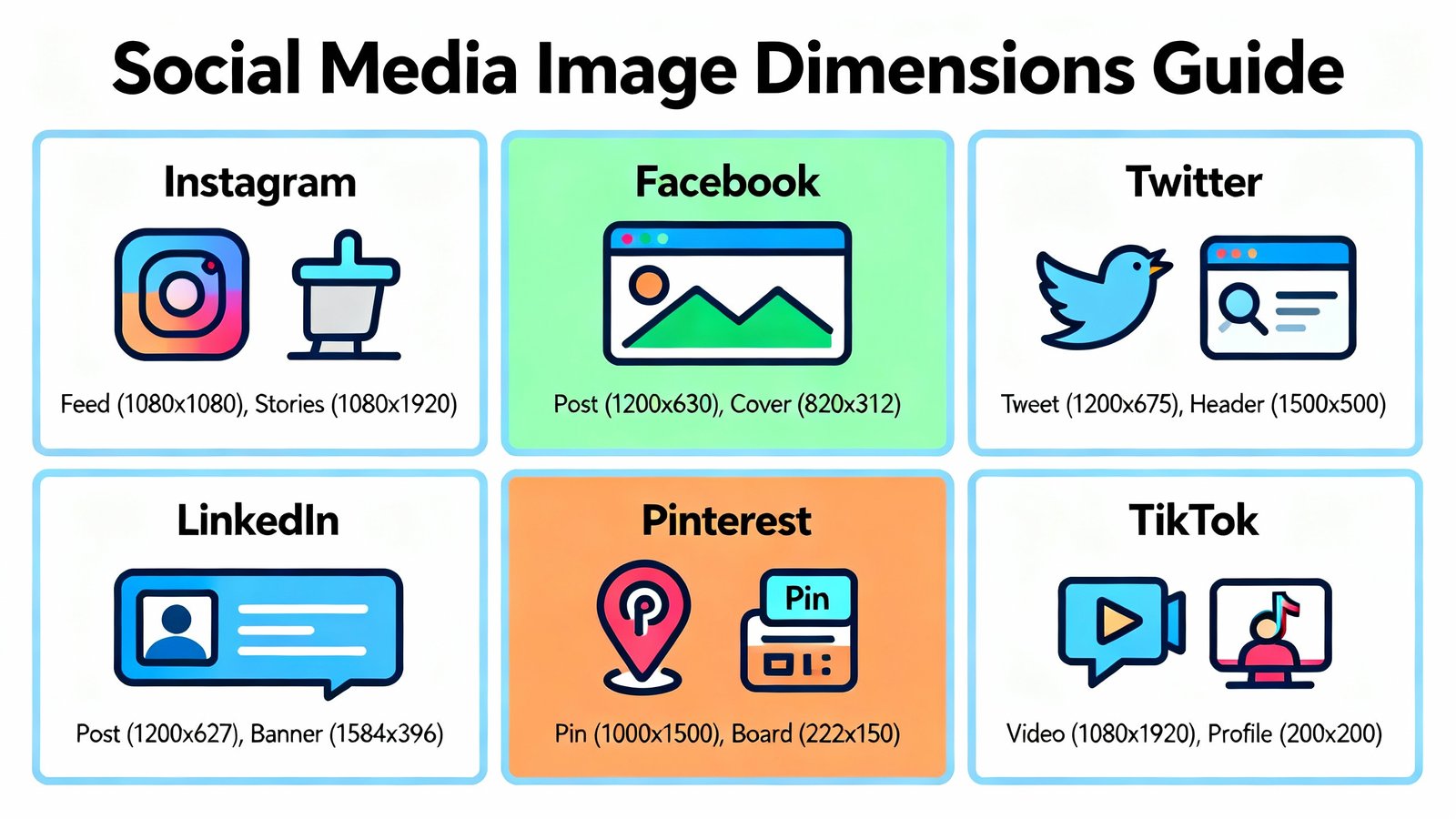
Why Social Media Image Sizes Matter
Using the correct image dimensions is crucial for several reasons:
- Professional Appearance: Properly sized images prevent awkward cropping, stretching, or pixelation that can damage your brand's credibility.
- User Experience: Images that display correctly provide a better viewing experience, increasing engagement and time spent on your content.
- Platform Algorithm Favor: Social media algorithms tend to favor content that provides a good user experience, which includes properly formatted images.
- Mobile Optimization: With over 80% of social media browsing happening on mobile devices, correct sizing ensures your content looks great on smaller screens.
Social Media Image Sizes: Quick Reference Guide
Below is our comprehensive comparison table of recommended image dimensions for major social media platforms in 2025:
| Platform | Image Type | Recommended Size | Aspect Ratio | File Format |
|---|---|---|---|---|
| Profile Picture | 180×180 px | 1:1 | JPG, PNG | |
| Cover Photo | 851×315 px | 16:9 | JPG, PNG | |
| Post Image | 1200×630 px | 1.91:1 | JPG, PNG | |
| Story | 1080×1920 px | 9:16 | JPG, PNG | |
| Profile Picture | 320×320 px | 1:1 | JPG, PNG | |
| Square Post | 1080×1080 px | 1:1 | JPG, PNG | |
| Landscape Post | 1080×566 px | 1.91:1 | JPG, PNG | |
| Portrait Post | 1080×1350 px | 4:5 | JPG, PNG | |
| Story | 1080×1920 px | 9:16 | JPG, PNG | |
| Twitter/X | Profile Picture | 400×400 px | 1:1 | JPG, PNG, GIF |
| Header Photo | 1500×500 px | 3:1 | JPG, PNG, GIF | |
| In-stream Photo | 1200×675 px | 16:9 | JPG, PNG, GIF | |
| Timeline Image | 1600×900 px | 16:9 | JPG, PNG, GIF | |
| Profile Picture | 400×400 px | 1:1 | JPG, PNG | |
| Banner Image | 1584×396 px | 4:1 | JPG, PNG | |
| Post Image | 1200×627 px | 1.91:1 | JPG, PNG | |
| Company Logo | 300×300 px | 1:1 | JPG, PNG | |
| Profile Picture | 165×165 px | 1:1 | JPG, PNG | |
| Pin Image | 1000×1500 px | 2:3 | JPG, PNG | |
| Board Cover | 222×150 px | Variable | JPG, PNG | |
| TikTok | Profile Picture | 200×200 px | 1:1 | JPG, PNG |
| Video Cover | 1080×1920 px | 9:16 | JPG, PNG | |
| In-feed Image | 1080×1080 px | 1:1 | JPG, PNG | |
| YouTube | Profile Picture | 800×800 px | 1:1 | JPG, PNG |
| Channel Banner | 2560×1440 px | 16:9 | JPG, PNG | |
| Video Thumbnail | 1280×720 px | 16:9 | JPG, PNG |
Platform-Specific Best Practices
Facebook Image Best Practices
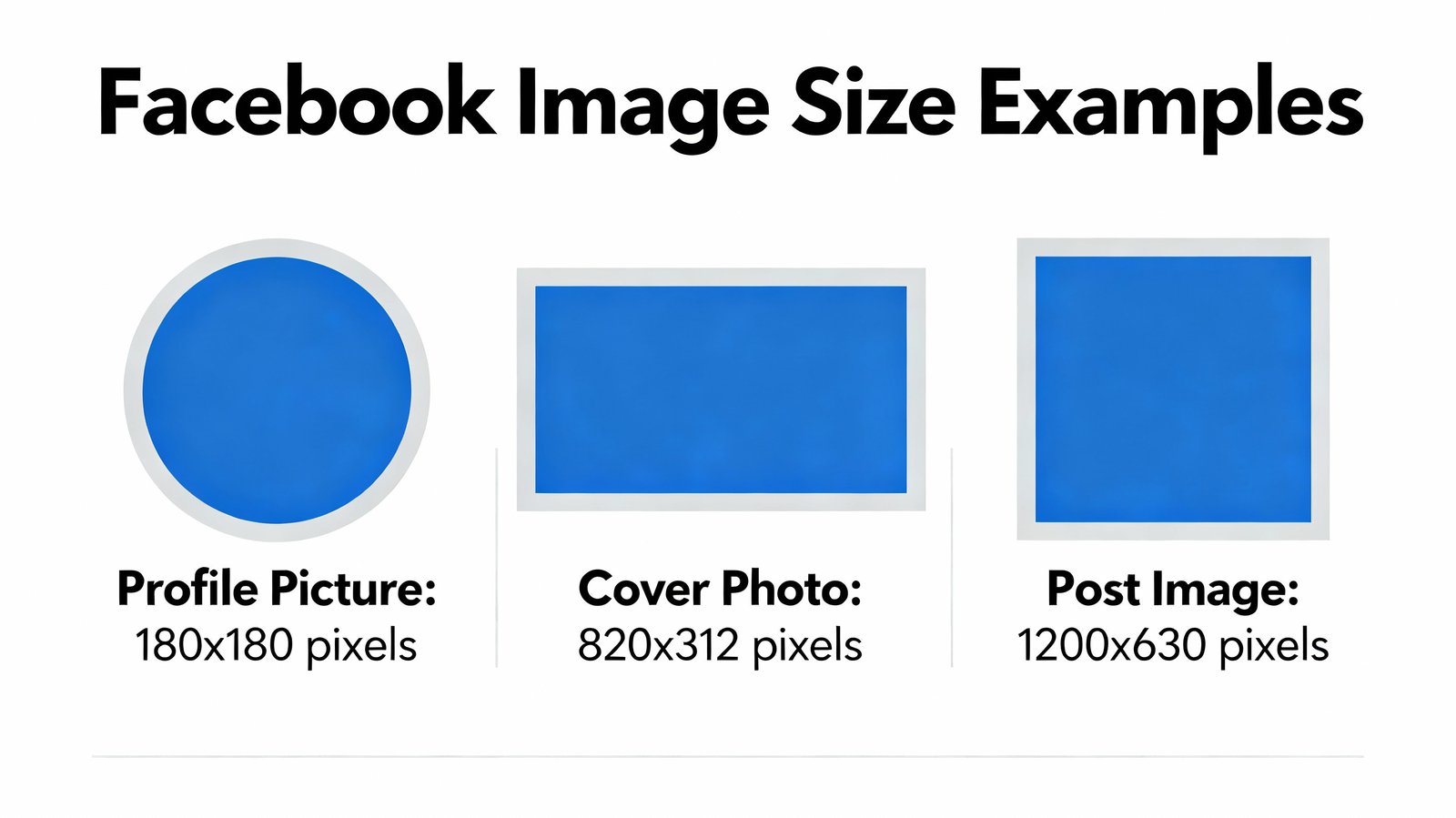
Facebook remains one of the most versatile platforms for visual content. To maximize your impact:
- Profile Pictures: Upload a high-resolution image that remains clear even when scaled down to the small circular thumbnail that appears in comments and feeds.
- Cover Photos: Design with mobile and desktop viewing in mind, as the display area varies significantly between devices. Keep important elements away from the bottom and top edges to avoid cropping.
- Post Images: Use the 1.91:1 aspect ratio for maximum visibility in the feed without cropping. For link previews, ensure your Open Graph meta tags are properly configured.
- Stories: Leave a 14% margin (250px) at the top and bottom to avoid UI elements covering your content.
Instagram Image Best Practices

As a visually-driven platform, Instagram demands high-quality imagery:
- Feed Posts: While Instagram supports multiple aspect ratios, square (1:1) and portrait (4:5) formats typically perform best in the feed.
- Quality Over Quantity: Instagram compresses images, so start with the highest quality possible. The platform recommends uploading images with a width of 1080 pixels.
- Stories: Design with the full-screen experience in mind, but keep important text and elements within the safe zone to avoid being covered by interface elements.
- Carousels: Maintain consistent aspect ratios across all slides in a carousel for a professional appearance.
Twitter/X Image Best Practices
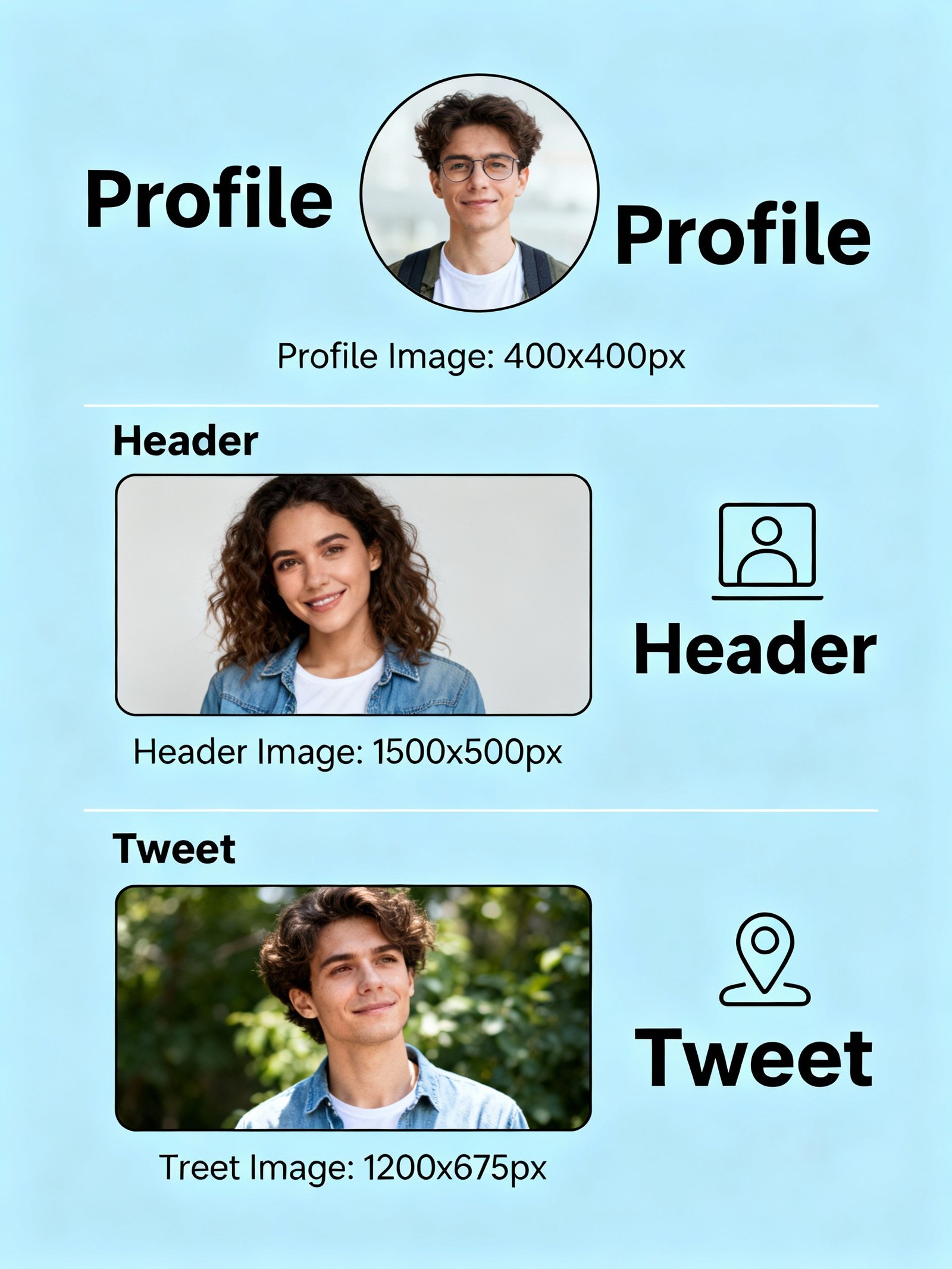
Twitter's fast-paced environment requires images that grab attention quickly:
- In-stream Images: Use 16:9 aspect ratio for images that will appear expanded in the feed. These will be cropped to 2:1 in the timeline preview.
- Header Photos: Design with awareness that your profile picture will cover part of the header image on mobile devices.
- Multiple Images: When sharing multiple images, be aware that Twitter will display them in a collage format, potentially cropping each image.
- Alt Text: Always include descriptive alt text for accessibility and improved SEO.
LinkedIn Image Best Practices
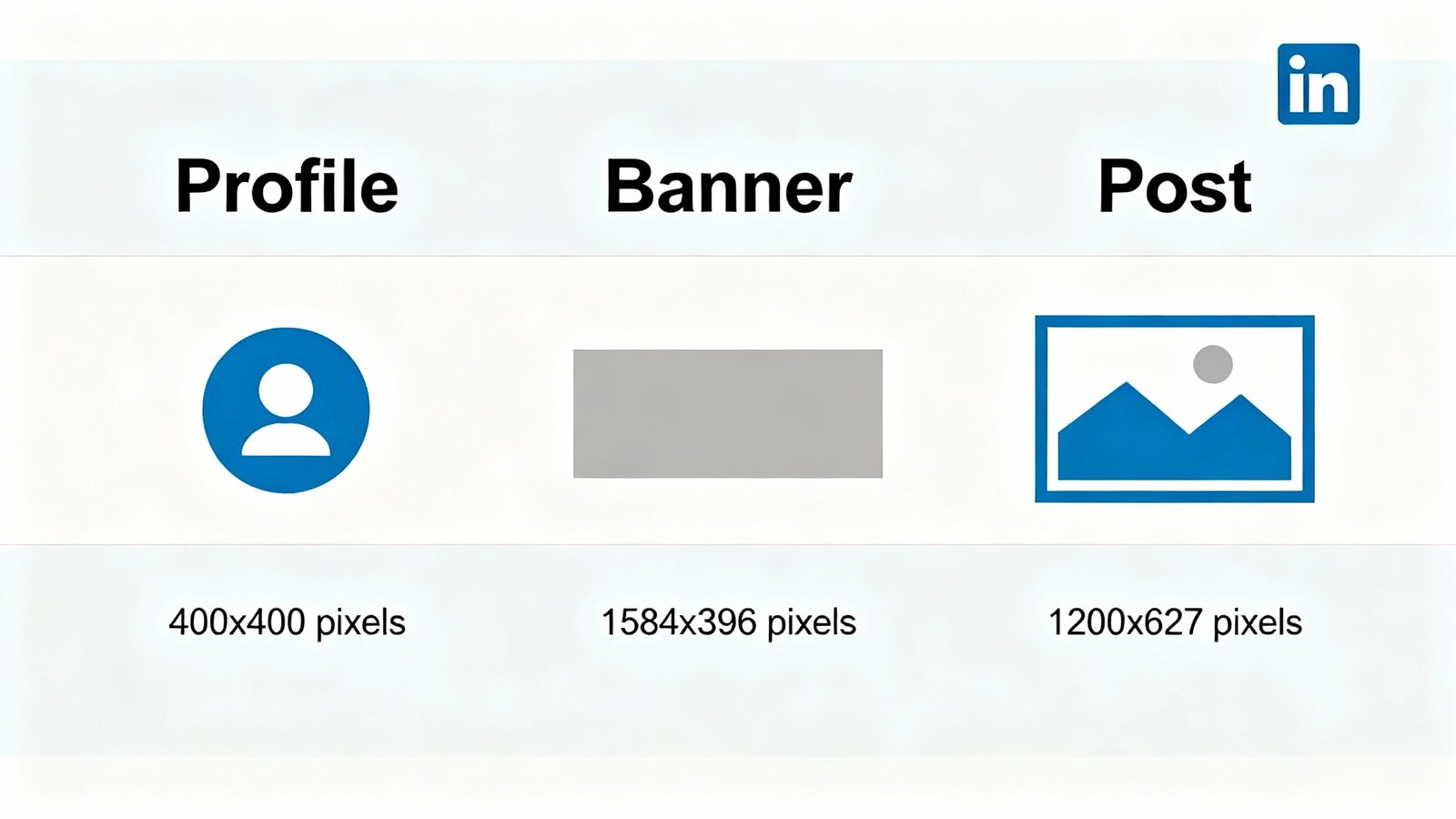
As a professional network, LinkedIn requires a more polished approach to imagery:
- Professional Quality: Ensure all images are high-resolution and professional in appearance. Avoid overly casual or low-quality visuals.
- Banner Images: Design with awareness that LinkedIn displays different portions of your banner on different devices. Keep important elements centered.
- Post Images: Use images that complement your professional content. Infographics and professional photography tend to perform well.
- Company Pages: Maintain consistent branding across all company images, including logo and banner.
Pinterest Image Best Practices
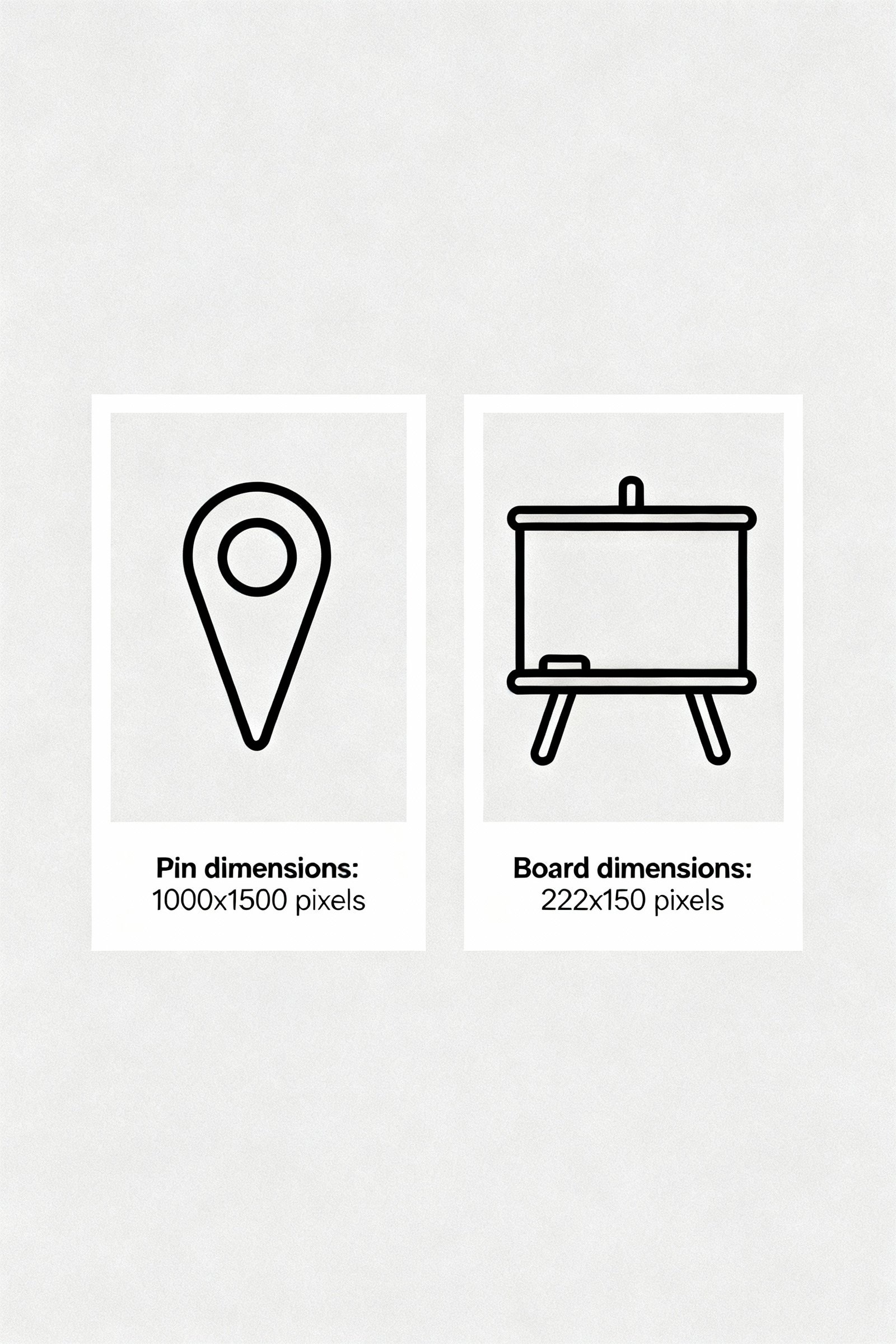
Pinterest's visual discovery engine rewards high-quality, vertical imagery:
- Vertical Orientation: Vertical pins (2:3 aspect ratio) perform best as they take up more space in the feed. The ideal size is 1000×1500 pixels.
- Quality Matters: Pinterest prioritizes high-quality images in its algorithm. Use clear, well-lit images with minimal text overlay.
- Branding: Include subtle branding on your pins without overwhelming the visual content.
- Video Pins: For video content, use a ratio between 2:3 and 1:2.1, with a maximum file size of 2GB.
TikTok Image Best Practices
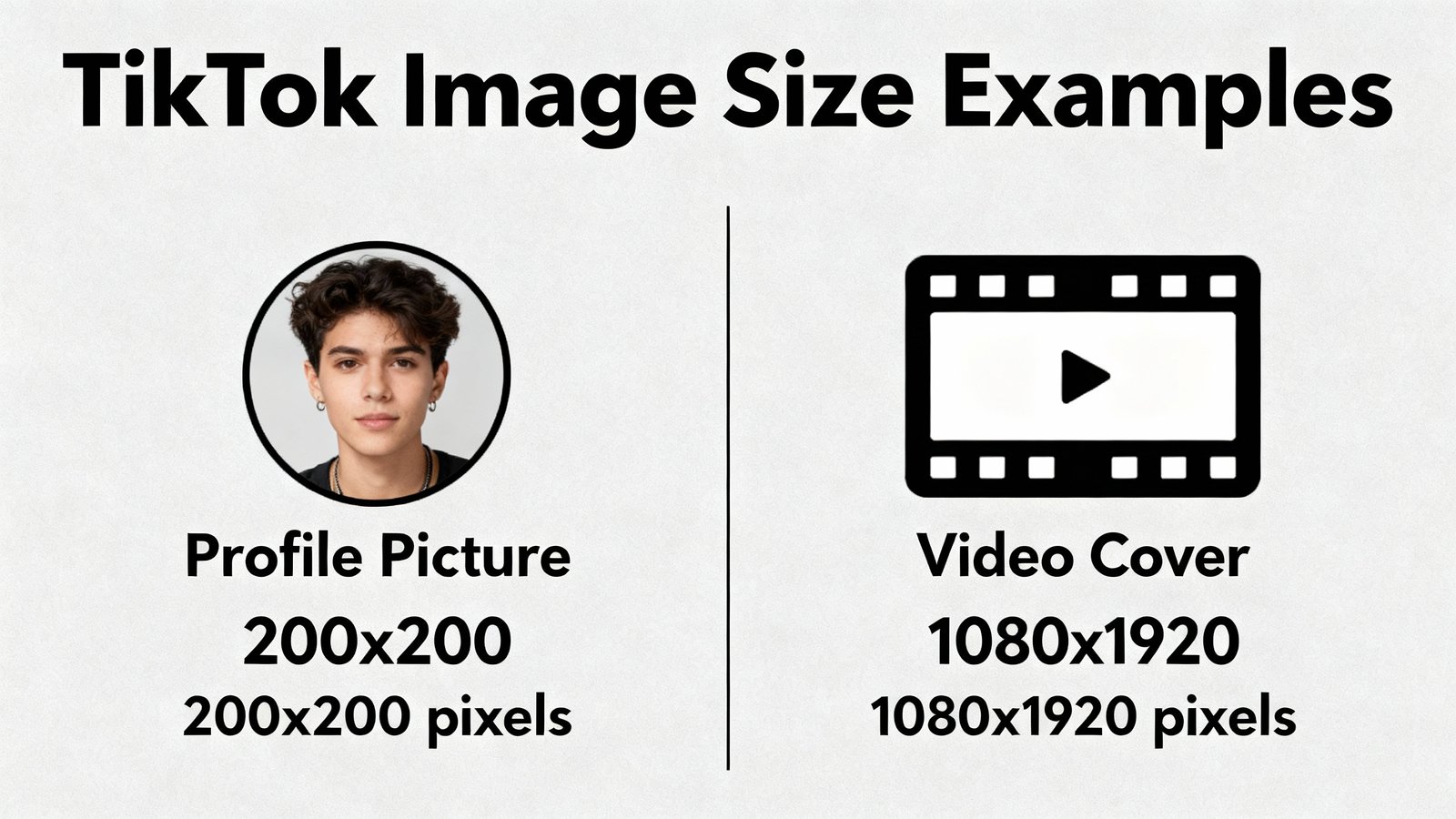
While primarily a video platform, TikTok also utilizes images:
- Vertical Format: All content should be optimized for vertical viewing with a 9:16 aspect ratio.
- Video Covers: Choose engaging cover images that accurately represent your video content and entice viewers to watch.
- Profile Pictures: Use a clear, recognizable image that remains identifiable even at small sizes.
- Trending Elements: Incorporate trending visual styles and formats when appropriate to increase discoverability.
YouTube Image Best Practices
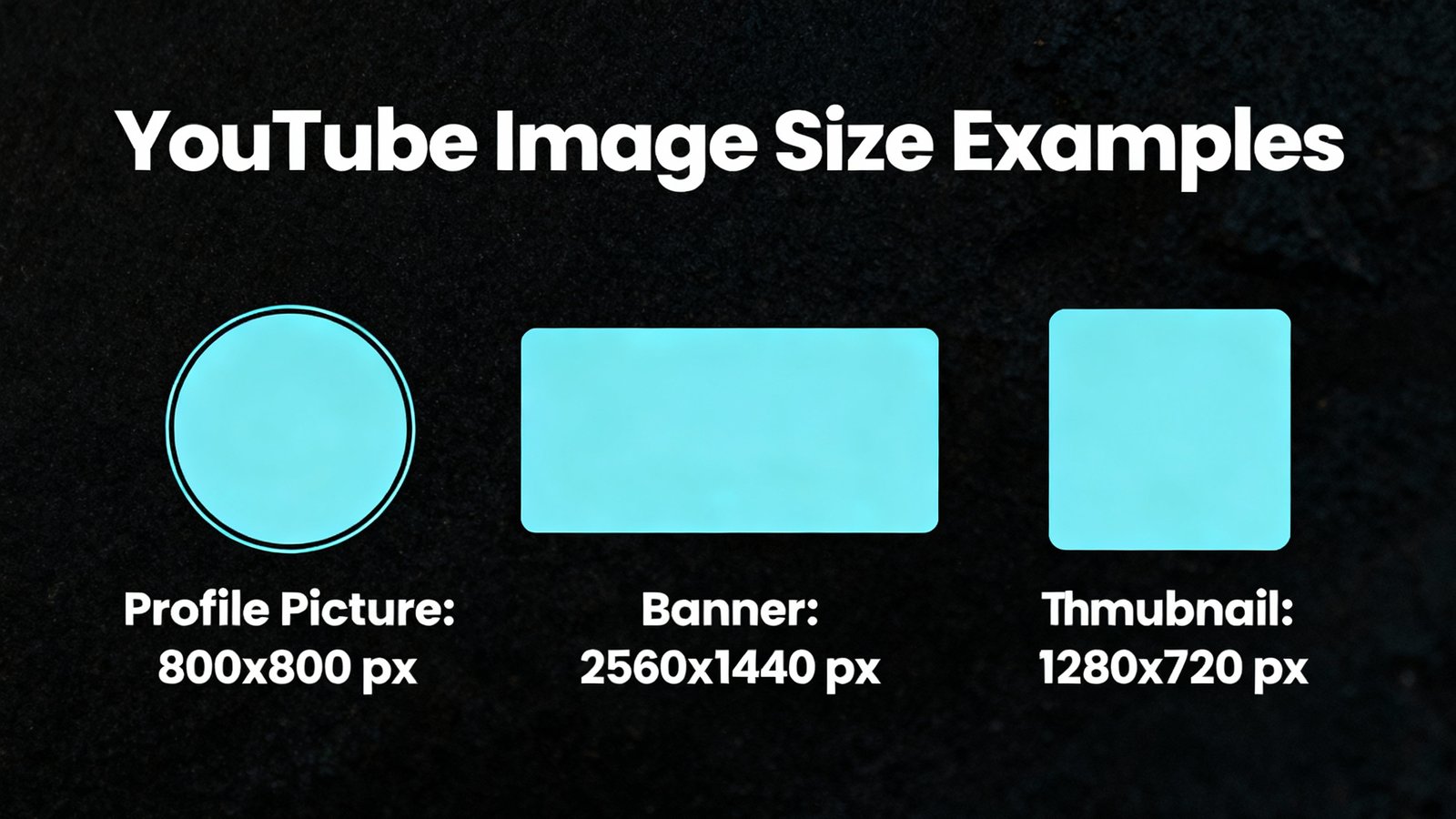
YouTube's visual elements significantly impact click-through rates:
- Thumbnails: Create compelling, high-contrast thumbnails that stand out. Include faces when possible as they tend to increase engagement.
- Channel Banners: Design with awareness of how the banner appears on different devices. YouTube's "safe area" is 1546×423px for desktop and mobile.
- Consistency: Maintain consistent branding across your channel's visual elements to build recognition.
- Text in Thumbnails: Use large, readable text that remains clear even on small screens.
Universal Social Media Image Best Practices
Regardless of platform, these principles apply to all social media imagery:
1. Optimize for Mobile First
With the majority of social media browsing happening on mobile devices, always design with smaller screens in mind. Test how your images appear on various devices before publishing.
2. Balance Quality and File Size
High-quality images are essential, but large file sizes can slow loading times and hurt engagement. Use compression tools to reduce file size without sacrificing visual quality. Aim for under 100KB for most social media images.
3. Choose the Right File Format
- JPEG: Best for photographs and complex images with many colors.
- PNG: Ideal for graphics, logos, and images requiring transparency.
- GIF: Suitable for simple animations with limited colors.
- WebP: Modern format offering superior compression and quality, though not supported by all platforms.
4. Maintain Brand Consistency
Use consistent colors, fonts, and styling across all your social media imagery to build brand recognition. Create templates for different types of content to ensure consistency.
5. Consider Accessibility
Include descriptive alt text for all images to improve accessibility for visually impaired users and boost SEO. Ensure text overlays have sufficient contrast against backgrounds.
6. Test Before Publishing
Always preview how your images will appear in context before publishing. What looks perfect in your design tool might be cropped or displayed differently on the platform.
Tools for Creating Social Media Images
Creating perfectly sized social media images doesn't require professional design skills. These tools can help:
1. Image Converter Pro
Our free online tool helps you resize, convert, and optimize images for all social media platforms. Simply upload your image, select the platform and image type, and we'll handle the technical details.
2. Canva
Offers pre-sized templates for all major social media platforms, making it easy to create professional-looking graphics even without design experience.
3. Adobe Express
Provides a range of templates and design tools optimized for social media content creation.
4. Fotor
Includes social media templates and batch processing capabilities for creating multiple images at once.
5. Pablo by Buffer
A simple tool designed specifically for creating social media images quickly.
Frequently Asked Questions
Properly sized images ensure your content displays correctly across all devices, maintains quality, and provides a professional appearance. Incorrect dimensions can result in cropping, pixelation, or slow loading times, all of which can negatively impact engagement and brand perception.
Major platforms typically update their image dimensions once or twice a year, often with platform redesigns or new features. It's recommended to check for updates quarterly and always test images before major campaigns.
JPEG is best for photographs with complex colors, while PNG is ideal for graphics with transparency or text. For animated content, use GIF or newer formats like WebP. Always optimize file size without sacrificing quality to ensure fast loading.
Use tools like Image Converter Pro that offer batch processing and platform-specific presets. Creating master designs with safe zones that work across multiple platforms can also save time. Consider creating templates for each platform that you can quickly update with new content.
While specific dimensions vary by platform, most social media images should be at least 1080 pixels wide for optimal display. For high-resolution devices, creating images at 2x the recommended size (while maintaining aspect ratio) ensures crisp display on all screens.
Include descriptive alt text for all images, ensure text overlays have sufficient contrast (at least 4.5:1 for normal text), avoid conveying information solely through color, and use readable fonts at appropriate sizes. Also consider how your images will appear to users with color vision deficiencies.
Conclusion
Mastering social media image sizes is essential for creating professional, engaging content that performs well across all platforms. By following the guidelines in this comprehensive guide, you'll ensure your visuals always look their best, regardless of where they're viewed.
Remember that while these dimensions are current for 2025, social media platforms frequently update their requirements. Bookmark this page and check back regularly for the latest updates.
Ready to optimize your social media images? Try our free image converter tool to resize your images perfectly for any social media platform in seconds.